Free Receipt Template for Small Business: Issue Professional Receipts in Minutes
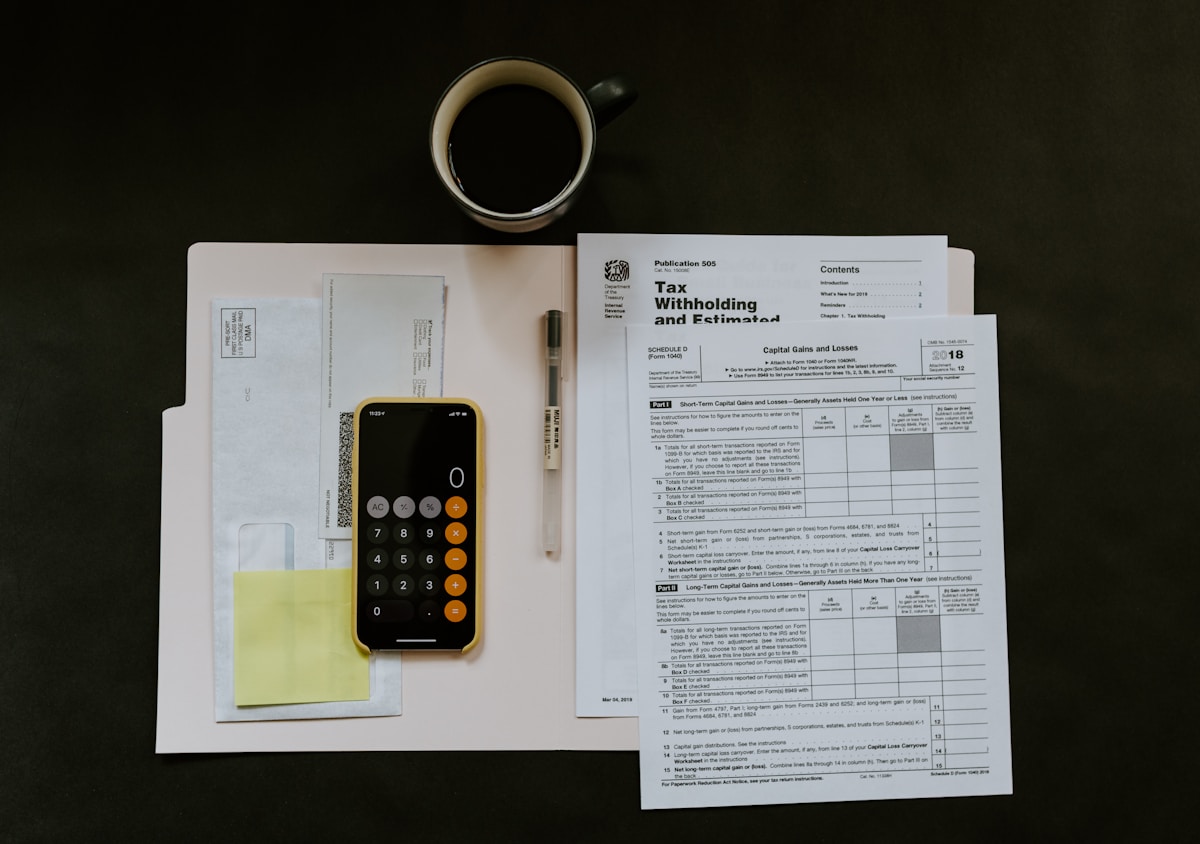
- Primary Signal: Free Receipt Template for Small Business: Issue Professional Receipts in Minutes
- Overview: A professional receipt builds trust and keeps your records straight. Learn what a free receipt template should include, where to find one, and how to issue receipts that keep your ...
- Verification: Analyzed and compiled by Free2Rich Vault editorial monitoring desk.
Every sale deserves a receipt — not just for the customer's records, but for yours. A receipt proves the transaction happened, records what was sold, and gives both sides a paper trail if anything goes wrong. For a small business or freelancer, a clean, professional receipt also signals that you take your work seriously. A free receipt template gives you all of that in minutes, with no accounting software required.
A proper receipt needs only a few fields, but each one matters. Your business name and contact details go at the top, followed by a receipt number, the date, and the customer's name. The body lists each item or service with a description, quantity, unit price, and line total. At the bottom, show the subtotal, any tax, and the total paid, plus the payment method and a thank-you line. Number your receipts sequentially — gaps in the numbering are the first thing an accountant or tax authority will ask about.
Free receipt templates are available in Word, Excel, Google Docs, and Google Sheets, and many invoicing tools include a receipt format as well. Excel and Google Sheets are the best choice if you sell regularly, because the template can calculate totals automatically and you can keep a running log of every receipt in the same file. Word and Google Docs work well for one-off receipts. Whichever format you choose, save a PDF copy of every receipt you issue — a PDF cannot be edited later, which protects both you and the customer.
The habit around receipts matters more than the template. Issue the receipt at the time of the sale, not days later, and record it in your books the same day. Keep a simple log — receipt number, date, customer, amount — so you can find any transaction in seconds. At tax time, that log is the difference between a calm afternoon and a weekend of searching through emails. And if a customer ever disputes a payment, the receipt settles it instantly.
A receipt is also a small piece of marketing. A clean layout, your logo, and a short thank-you line make a better impression than a scribbled note, and they make customers more likely to return. Download a free template, add your business details once, and save it as your master copy. From then on, issuing a professional receipt takes less than a minute — and your records will be ready for anything.
Paper receipts fade, get lost, and pile up in drawers. Digital receipts solve all three problems: a PDF saved in a cloud folder is searchable, backed up, and readable years later. Set up a simple system — one folder per year, one subfolder per month, and a file name that includes the receipt number and the customer name. When you need a receipt, you find it in seconds instead of searching through boxes.
The same system works for the receipts you receive. Photograph or scan every business expense receipt on the day you get it, and save it in the same monthly folder. At the end of the year, your folders contain a complete record of money in and money out, which is exactly what an accountant needs. Cloud storage is free up to a generous limit on Google Drive and similar services, so there is no reason to rely on paper. A five-minute habit each week keeps your records perfect all year.
Download a free receipt template today, fill in your business details once, and save it as your master copy. From your very next sale, issuing a professional receipt takes under a minute — and your records will thank you at tax time.
📖 Continue Reading the Full Story
Continue reading this article on Free2Rich Vault.
⚡ Access Full Content NowMore from Free2Rich Vault



 💵 GetRichFree Store
How to Earn Free Gift Cards by Scanning Grocery Receipts in 2026
Your grocery receipts are worth money. Learn how Fetch Rewards, Ibotta, and Checkout 51 pay you for scanning r...
 ₿ Lucky Satoshi
How to Use Bitcoin Testnet to Play Casino Games for Free?
Bitcoin testnet coins are worthless by design, and a few casinos accept them so you can practice deposits, bet...
 💎 Try2Rich
2026 Industry Analysis: Freelancer Net Pay Calculator (PKR) — Upwork, Fiverr & Payoneer Fees (Day 3 Guide)
Why experts rely on Freelancer Net Pay Calculator (PKR) — Upwork, Fiverr & Payoneer Fees on Try2Rich. Discover...
 🎁 Get Rich Free
Free AI Tools That Help Beginners Start Freelancing in 2026
Free AI tools have lowered the barrier to freelancing to zero. Here are the best free AI tools for writing, de...