Free Project Management Tools for Small Teams: Trello, Notion and Beyond
- Primary Signal: Free Project Management Tools for Small Teams: Trello, Notion and Beyond
- Overview: Free project tools turn scattered tasks into visible boards and lists. Compare the main approaches, pick one that fits your team, and set it up without overwhelm....
- Verification: Analyzed and compiled by Free2Rich Vault editorial monitoring desk.
Small teams rarely fail because they lack talent; they fail because work scatters across chats, emails, notebooks and memory until nobody knows what is actually in progress. A free project management tool fixes that by giving every task a visible home, an owner and a deadline, so the whole team can see the same picture at the same time. Several excellent tools offer free plans that cover small teams comfortably, and choosing among them is less about features than about how your team naturally thinks about work.
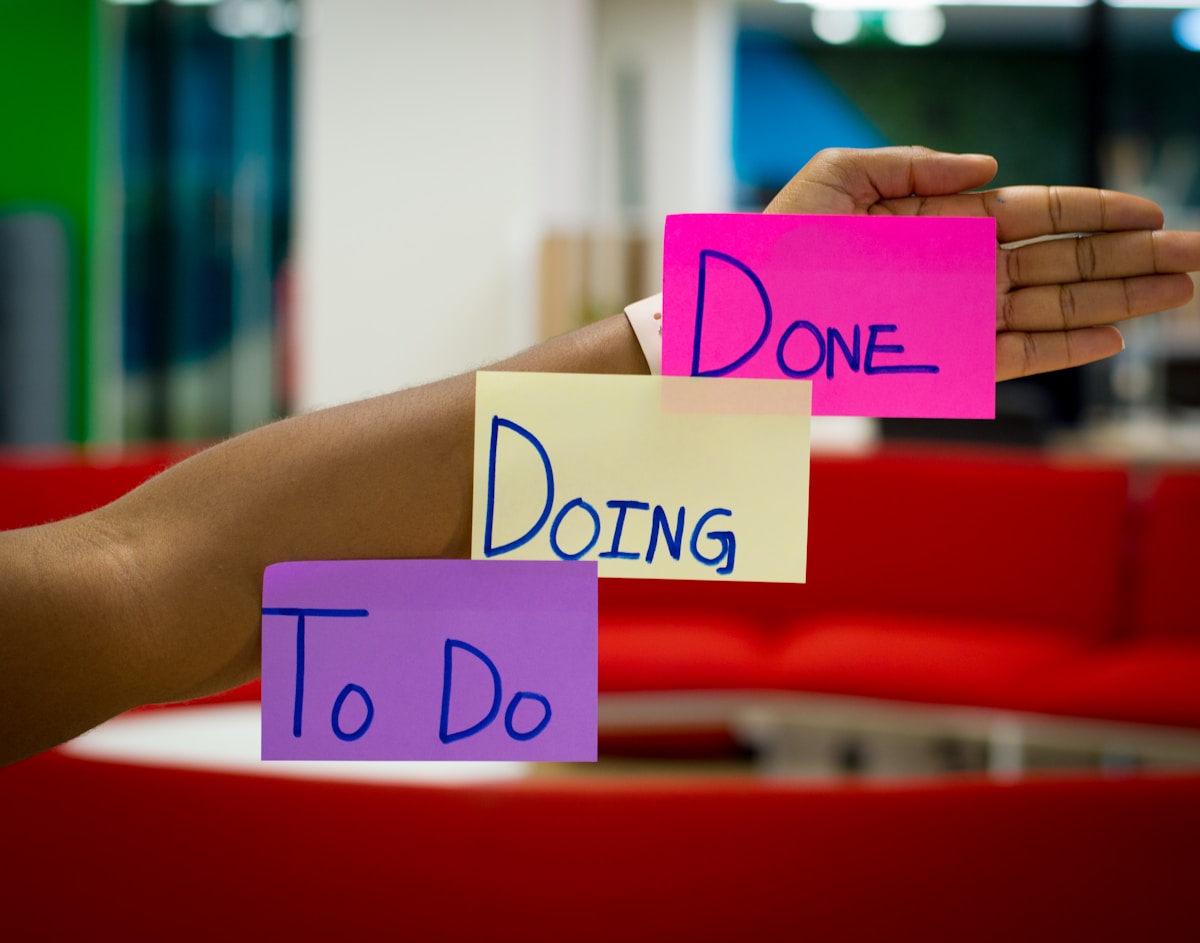
Board tools organise work as cards moving across columns, such as to do, doing and done. That visual flow suits teams that handle many small tasks in parallel, like content production, customer requests or event planning, because bottlenecks become visible the moment cards pile up in one column. The simplicity is the point: anyone can understand a board in minutes.
List and timeline tools organise work as tasks with due dates, assignees and dependencies, which suits projects with clear sequences, such as a website build or a product launch where one task must finish before the next begins. Document-based tools combine notes, databases and tasks in one workspace, which suits teams that want project plans, meeting notes and task lists living together rather than in separate apps.
For a solo freelancer or a team of two, a simple board tool is usually enough, and adding a complex system will slow you down rather than help. Start with one board, a handful of columns, and a rule that every task gets an owner and a due date; that discipline alone transforms how work flows, regardless of which tool you choose.
For teams of three to ten, look for free plans that include enough collaborators, basic automation such as moving cards when deadlines pass, and a calendar or timeline view for planning ahead. Test the free plan with a real project, not a demo, because a tool that feels elegant empty can feel cluttered once fifty real tasks land in it, and that real-world test reveals more than any review.
The biggest setup mistake is recreating your entire business in the tool on day one. Instead, start with one active project, create only the tasks that matter this week, and let the system grow naturally as the team uses it. Templates can help, but a template with forty pre-filled tasks for a five-task project creates noise that teaches the team to ignore the tool.
Agree on three simple rules before launch: every task has one owner, every task has a due date or an explicit decision that it has none, and updates happen in the task itself rather than in a separate chat thread. Those rules keep information findable, prevent duplicate work, and make the weekly review a quick scan of the board rather than a meeting spent reconstructing what happened.
Tools die when updating them feels like extra work on top of real work. Keep the system light: archive completed projects promptly, review overdue tasks weekly, and delete columns or fields nobody uses. A board with twenty tasks you trust beats a system with two hundred tasks nobody opens, and regular pruning is what keeps a tool trustworthy over months.
After a month, judge the tool by one question: does the team check it without being reminded? If yes, keep it and refine it slowly. If no, the problem is rarely the software; it is usually that the tool holds a duplicate of work tracked elsewhere, or that its rules are too complex. Simplify before switching, because switching tools resets habits, and habits, not software, are what make small teams effective.
📖 Continue Reading the Full Story
Continue reading this article on Free2Rich Vault.
⚡ Access Full Content NowMore from Free2Rich Vault


 📊 Try2Rich Capital
Risk Management Playbook: Freelancer Net Pay Calculator (PKR) — Upwork, Fiverr & Payoneer Fees (Day 22 Guide)
Minimizing downside volatility with the Freelancer Net Pay Calculator (PKR) — Upwork, Fiverr & Payoneer Fees o...
 💎 Try2Rich
2026 Industry Analysis: Freelancer Net Pay Calculator (PKR) — Upwork, Fiverr & Payoneer Fees (Day 3 Guide)
Why experts rely on Freelancer Net Pay Calculator (PKR) — Upwork, Fiverr & Payoneer Fees on Try2Rich. Discover...
🎁 Get Rich Free
Strategic Positioning: Freelancer Net Pay Calculator (PKR) — Upwork, Fiverr & Payoneer Fees (Day 26 Guide)
Gaining a competitive advantage through Freelancer Net Pay Calculator (PKR) — Upwork, Fiverr & Payoneer Fees o...
💰 Free2Rich Online
Automation & Integration: Freelancer Net Pay Calculator (PKR) — Upwork, Fiverr & Payoneer Fees (Day 27 Guide)
Streamlining daily analytics with our Freelancer Net Pay Calculator (PKR) — Upwork, Fiverr & Payoneer Fees on ...