Best Free Video Editing Tools for Beginners in 2026 (CapCut vs DaVinci Resolve)
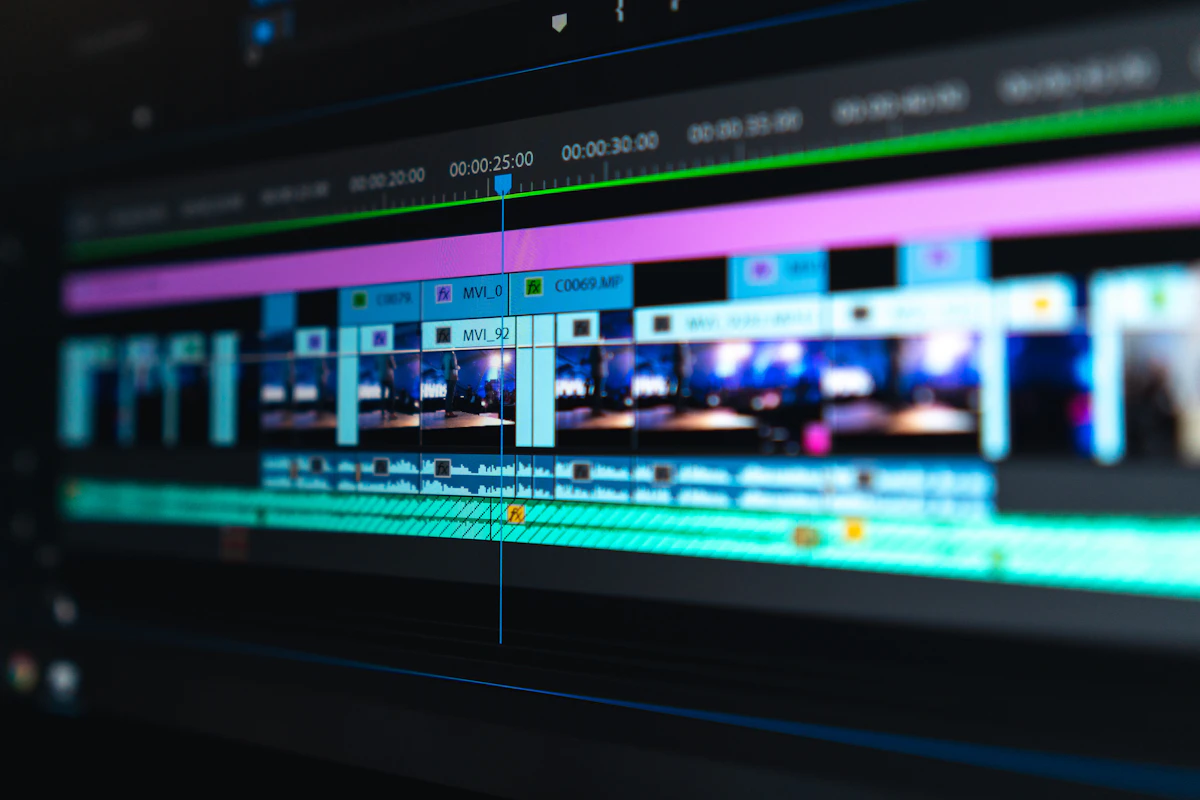
- Primary Signal: Best Free Video Editing Tools for Beginners in 2026 (CapCut vs DaVinci Resolve)
- Overview: You do not need expensive software to edit video professionally. Compare CapCut and DaVinci Resolve free plans, see a client reel edited in 40 minutes, and learn the mistakes that ...
- Verification: Analyzed and compiled by Free2Rich Vault editorial monitoring desk.
Video is now the fastest-growing skill for freelancers, and you do not need expensive software to edit professionally. The best free video editors in 2026 handle everything a beginner needs: cutting clips, adding captions, colour correction, and exporting in high quality. The choice comes down to what you edit: quick social videos, long YouTube content, or client work that needs precision. Here are the three free editors that cover all of it.
CapCut is the fastest way to edit short-form video for TikTok, Reels, and Shorts. The free plan includes auto-captions, trending templates, transitions, effects, and background removal, all in a simple timeline that a beginner can learn in an afternoon. The desktop version handles longer projects too, and the mobile app lets you edit on the go. The trade-off is that CapCut is built for speed, not precision: it lacks the fine colour grading and audio controls of a professional editor. Use it for social content, client reels, and quick turnarounds. Export in 1080p for free, and always check whether a template or effect adds a watermark on the free plan before you use it for paid work.
DaVinci Resolve is a professional-grade editor that is free for most uses, and it is the best choice if you want to edit YouTube videos, client projects, or anything longer than a minute. The free version includes advanced colour grading, audio mixing, motion graphics, and multi-track editing, with no watermark and no export limits. The learning curve is steeper: expect a weekend to learn the basics and a month to feel comfortable. It also needs a reasonably powerful computer, so check the system requirements before you install it. If you plan to charge for video editing, learning Resolve is the single best investment of your time, because clients recognise the quality and the tool is free.
A client sends you five raw clips from a product shoot and asks for a 30-second Instagram Reel. You import the clips into CapCut, trim each one to its best three seconds, and arrange them in order: product close-up, lifestyle shot, feature demo, testimonial, and call to action. You add auto-captions, a trending sound from the audio library, and a text overlay with the product price. The whole edit takes 40 minutes. You export in 1080p and send it to the client, who approves it with one small change. You charge $40 for the reel, and the client orders four more for the month. Total time: about three hours for $160. That is the economics of free editing tools: the software costs nothing, and your skill is the product.
The biggest mistake is overusing effects and transitions. A clean cut beats a flashy transition almost every time, and clients notice when effects distract from the product. Another is ignoring audio: bad audio kills a video faster than bad visuals, so use a quiet room, check your levels, and add music at a low volume under narration. Always export a test clip and watch it on a phone before delivering, because most viewers watch on mobile and problems that are invisible on a desktop screen are obvious there. Do not use copyrighted music in client work, because it can get the video muted or removed. Finally, back up your project files: free editors do not always autosave reliably, and losing an edit you have already been paid for is a painful lesson.
Which free video editor is best for beginners? CapCut is best for social video, DaVinci Resolve is best for YouTube and client work. Is DaVinci Resolve really free? Yes, the standard version is free with no watermark, and the paid Studio version adds features most freelancers never need. Can you earn money with free editing software? Yes, clients pay for the result, not the tool, and free editors produce professional results.
More from Free2Rich Vault


