Best Free Graphic Design Tools in 2026: Canva Alternatives That Cost $0
- Primary Signal: Best Free Graphic Design Tools in 2026: Canva Alternatives That Cost $0
- Overview: Canva is not the only free design tool, and for some jobs it is not the best. This guide compares the best free graphic design tools in 2026 for social posts, logos, presentations ...
- Verification: Analyzed and compiled by Free2Rich Vault editorial monitoring desk.
Canva made design accessible to everyone, but it is not the right tool for every job, and its best features sit behind a paywall. The free design landscape in 2026 is much richer than most people realise, with serious alternatives for social media graphics, logos, presentations and even professional print work. The trick is knowing which tool fits which job, because a logo made in the wrong tool will look amateur no matter how much effort goes into it.
For social media and quick graphics
Canva's free plan remains the easiest way to make social posts, with thousands of templates, a huge stock photo library and simple drag-and-drop editing. Its main free alternative is Adobe Express, which offers similar templates with Adobe's stock library and fonts, and works well if you already use Adobe products. VistaCreate is another solid option with a large template library and animation tools. All three are template-driven, which means you can produce a professional-looking post in minutes — but they all look similar, so customise the colours, fonts and layout rather than publishing the template as it comes.
For logos and vector design
Logos need vector graphics, which Canva's free plan handles poorly. Inkscape is the free, open-source vector editor that professionals use for logos, icons and illustrations, and it produces files that scale cleanly to any size. The learning curve is steeper than Canva, but for a logo — something you will use for years — the effort is worth it. Figma is another option: it is free for individuals, excellent for logos and interface design, and its component system makes it easy to build a consistent brand kit with colours, fonts and logo variations in one file.
For presentations and documents
Google Slides is free, collaborative and perfectly adequate for most presentations, and its template gallery has improved considerably. For documents that need to look polished — resumes, proposals, one-pagers — Canva's document templates are strong, and Figma can also produce beautiful layouts. The key for presentations is restraint: one font family, two or three colours, plenty of white space and no more than one idea per slide. The tool matters far less than the discipline, and every tool here can produce a professional result if you keep the design simple.
For photo editing and illustrations
Photopea is the hidden gem of free design tools: a full Photoshop-style editor that runs in your browser, opens PSD files, and costs nothing. It handles photo retouching, background removal and layered design work that Canva cannot. GIMP is the open-source alternative for serious photo editing on desktop, with a huge plugin library. For illustrations, Krita is a free digital painting tool used by professionals, and it is far better than Canva for hand-drawn work. The pattern is consistent: the browser tools are fastest, the desktop tools are deepest, and the right choice depends on the job.
Building a free design toolkit
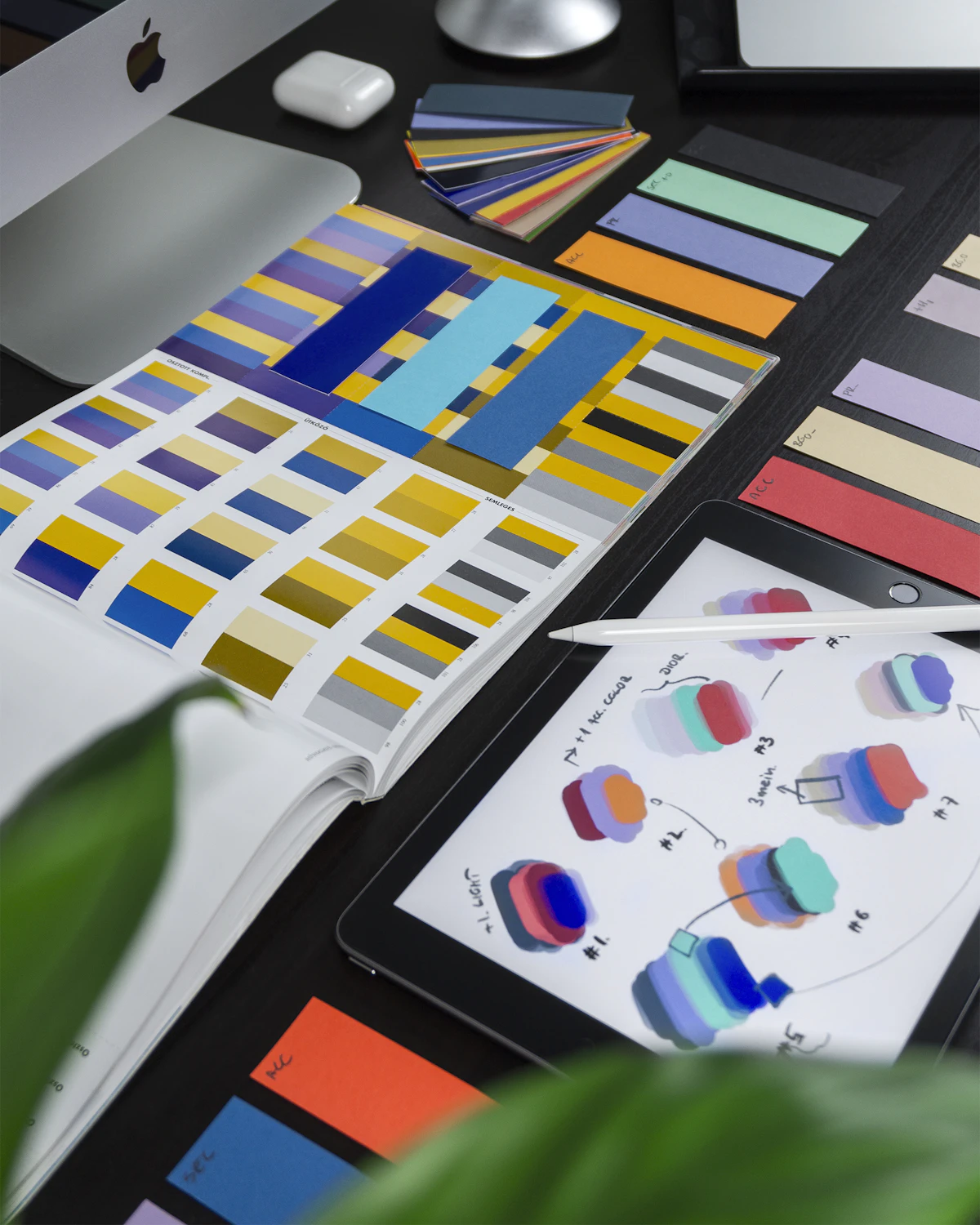
Most creators do best with two tools: one fast template tool for daily posts and one deep tool for brand assets. A common combination is Canva for social media plus Figma or Inkscape for logos, or Adobe Express for posts plus Photopea for photo editing. Learn the keyboard shortcuts of your main tool, build a small brand kit with your colours and fonts saved, and keep your templates organised so each new post takes minutes instead of an hour. Good design is mostly consistency, and a free toolkit used consistently beats an expensive toolkit used rarely. Your first brand kit does not need to be perfect; it needs to exist, so every new design starts from the same colours and fonts instead of from scratch.
More from Free2Rich Vault