Best Free Resume Builders for Freelancers in 2026: Land Clients With a Sharp CV
- Primary Signal: Best Free Resume Builders for Freelancers in 2026: Land Clients With a Sharp CV
- Overview: Freelancers need a CV too, for clients, agencies, and contracts. Compare the best free resume builders in 2026 and build a sharp CV that wins work....
- Verification: Analyzed and compiled by Free2Rich Vault editorial monitoring desk.
Freelancers often think they do not need a resume. They do. Clients, agencies, and recruiters all ask for one, and a freelancer without a CV looks unprepared when the question comes. A good freelance resume is different from a traditional one: it leads with skills and results, not job titles, and it shows the range of work you can do. The good news is that you can build a professional resume for free in under an hour, using tools that handle the design for you. This guide compares the best free resume builders for freelancers in 2026.
What a freelance resume needs
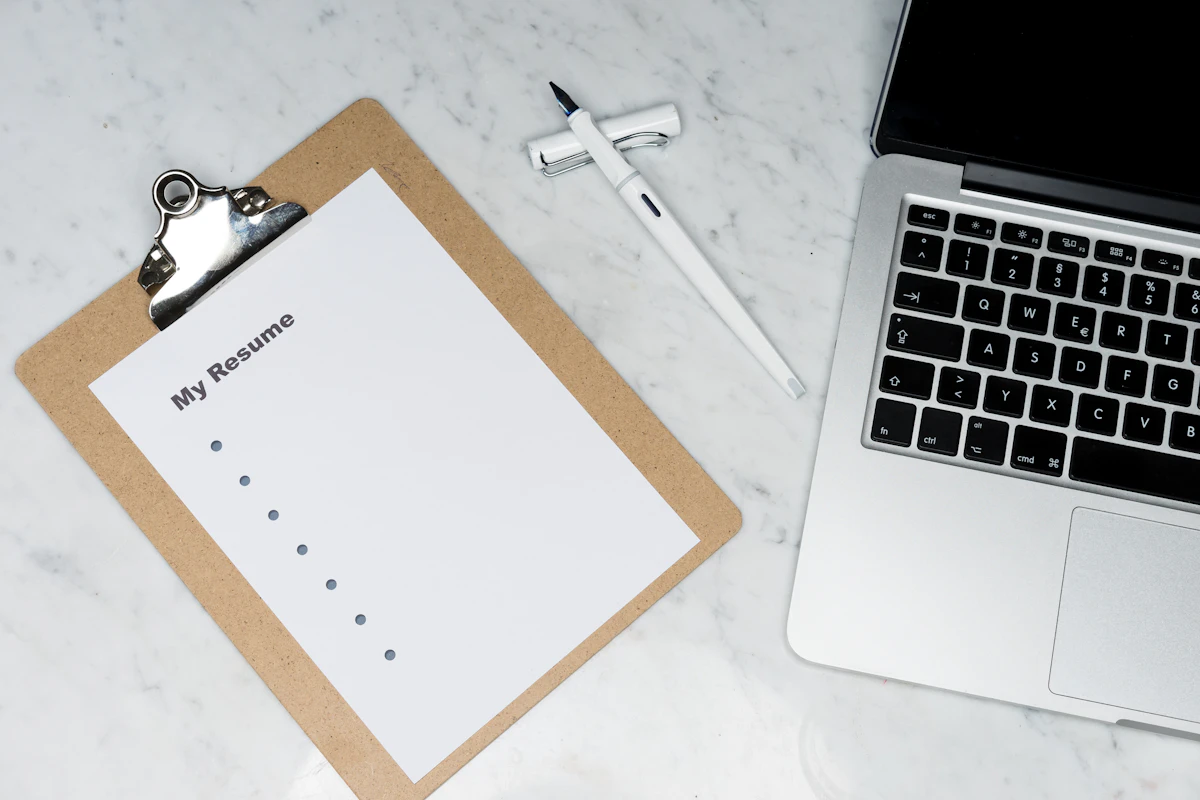
A freelance resume has one job: to convince a stranger to hire you. That means it should lead with a short summary of what you do and who you do it for, in two or three sentences. Then comes a skills section, listing the tools and services you offer. Then comes your experience, but not as a list of employers. List your best projects and clients, with a line about what you delivered and what it achieved. Numbers help: a 30 percent increase in sales, or 50 articles published, tells a client more than a job title ever will. Finally, add your education and any certifications, but keep them short. The whole resume should fit on one page. Two pages is acceptable if you have a long track record, but one page forces you to choose what matters, and that is exactly what a busy client wants.
Canva: the best-looking free option
Canva is the best free resume builder for freelancers who care about design. It has hundreds of free resume templates, and you can customise the colours, fonts, and layout to match your personal brand. The free plan lets you download your resume as a PDF, which is the format most clients expect. Canva is particularly good for designers, writers, and marketers, because the resume itself becomes a sample of their work. The main risk is overdesign: a resume with too many colours and graphics is hard to read, and some applicant tracking systems cannot parse it. Keep the design clean, use one accent colour, and make sure the text is easy to scan. A beautiful resume that a client cannot read in 30 seconds is a failed resume.
Zety and Resume.io: guided and fast
If you want the resume built for you step by step, Zety and Resume.io are the fastest options. Both ask you a series of questions about your experience and skills, then generate a formatted resume from your answers. The free plan on both lets you build the resume, but downloading it as a PDF usually requires a paid plan or a trial. That is the catch: the building is free, the download is not. The workaround is to use the free trial, download your resume, and cancel before the trial ends, but that is easy to forget. A better approach is to use these tools to draft the content, then copy it into Canva or Google Docs for the final version. The guided questions are genuinely useful, because they remind you of experience and achievements you might have forgotten to include.
Google Docs and Novoresume: simple and free
Google Docs has free resume templates that are plain but professional, and they have two advantages: they are genuinely free to download, and they are easy to update. A Google Docs resume is also easy for applicant tracking systems to read, because the formatting is simple. Novoresume is a similar option with a free plan that includes one-page resumes with a clean, modern design. It is particularly good for freelancers because it has a section for projects and freelance work, which most traditional builders do not. The free plan limits you to one page and a basic template, but that is enough for most freelancers. If your priority is a resume that is free, fast, and easy to update, Google Docs or Novoresume are the best choices.
Tailoring your resume for each client
A single generic resume is better than no resume, but a tailored one is far better. Before you send your resume to a client, read the job description and adjust the summary and the skills section to match what they are asking for. If they want a writer who knows SEO, move your SEO experience to the top. If they want a designer who knows Figma, make sure Figma is the first tool listed. This takes five minutes per application and it doubles your response rate, because the client sees immediately that you are a match. Keep a master resume with everything on it, and create a tailored copy for each application. And always save the resume as a PDF with a clear filename, such as YourName-Resume.pdf, because a file called Resume-Final-v3.pdf looks careless.
Frequently asked questions
Do freelancers really need a resume? Yes. Clients, agencies, and recruiters ask for one, and a freelancer without a CV looks unprepared. A good freelance resume leads with skills and results, not job titles. How long should a freelance resume be? One page is ideal. Two pages is acceptable if you have a long track record, but one page forces you to choose what matters.
More from Free2Rich Vault